

01
Open Listing Radar
Use the RJ app on Apple Watch while you are in a neighborhood.
Listing Radar lets you discover nearby homes from the RJ app on Apple Watch, then open the full listing on your phone with one tap.
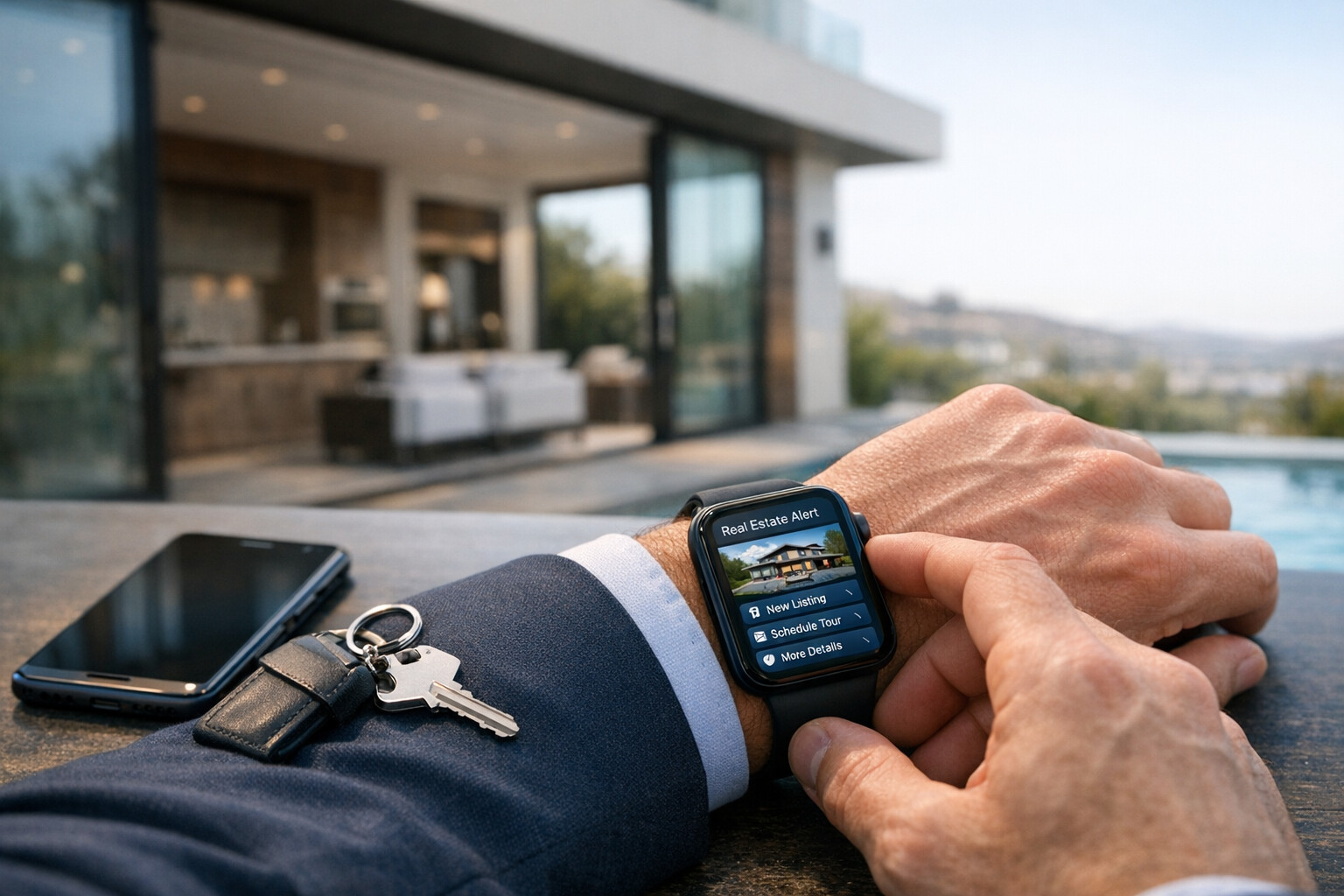
Use the RJ app on Apple Watch while you are in a neighborhood.
Browse nearby homes and check quick essentials, including price and status.
Tap a home and bring its full detail page to your iPhone in one step.
Review RJ Fit, save the home, or share it in RJ Messenger.
You are walking the dog, riding your bike, or driving through a neighborhood that feels right. Maybe you notice a listing sign. Maybe you are simply curious about the home down the street.
Open Listing Radar on your Apple Watch to see nearby homes and their quick essentials. When one looks promising, tap once to bring up the complete listing on your phone—photos, property facts, price, and the next steps are already there.
4 bd · 3 ba · 2,720 sqft
3 bd · 2 ba · 2,118 sqft

You are headed to a showing—or standing beside your client—when they point to another home nearby and ask, “What about that one?” Listing Radar gives you a fast way to pull it up on your Watch and bring the full detail to your phone.
In moments, you have the photos, price, property facts, and RJ Fit context your client is asking for. If it is worth exploring, share it directly in RJ Messenger so the home, the conversation, and the client's reaction stay together.
Listing Radar starts the moment. The RJ ecosystem makes it useful after the tap.
Find nearby listings while you are already there.
Move to the full property detail and explore the facts.
See how the property aligns with the client's ideal home.
Share the discovery and keep the discussion attached to the listing.
A bike ride through a neighborhood you want to know better
A listing sign you spot while driving by
A nearby alternative while you are already at a showing
A quick look around an open house before you leave the area
Listing availability and nearby results depend on available listing data and location permission. Your phone is where full listing review and next steps happen.